01
Product card for the web
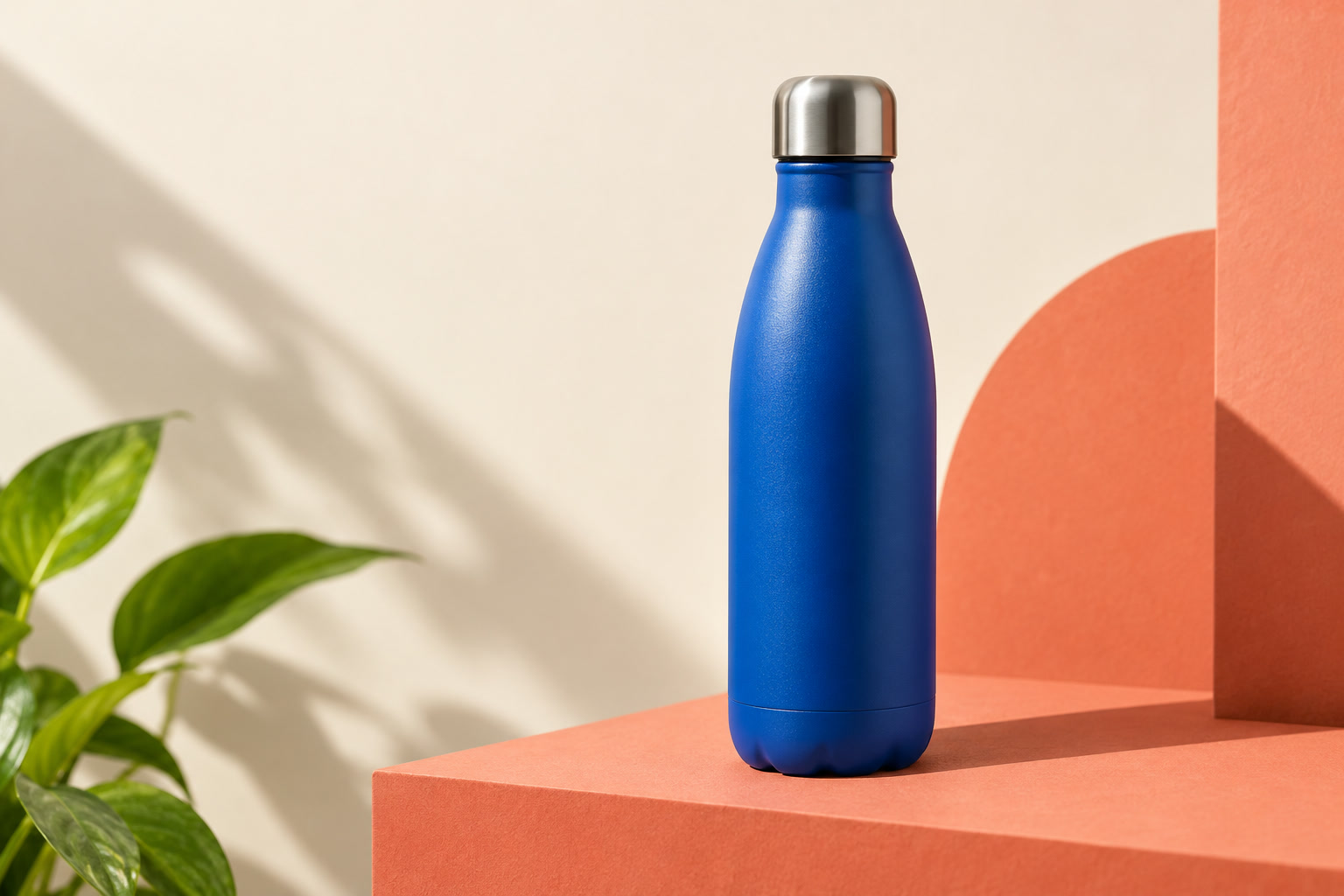
Convert a detailed catalogue photo to WebP without changing its 3:2 frame.
- Source
- JPEG · 1536 × 1024 · 138.9 KB
- Recipe
- 1200 × 800 · WebP · 82%
Resize, visually crop, compress, add effects or watermarks, and convert PNG, JPEG, WebP, or AVIF images locally in your browser.
Resize · Visual crop · Rotate · Effects · Watermarks · PNG · JPEG · WebP · AVIF · Auto smallest · metadata removal · batch ZIP · local browser processing
Everything runs in this browser.
Add, drop, or paste up to 12 PNG, JPEG, or WebP images.
 OriginalWebP · 84%
The left side is the original JPEG. The right side is the browser-generated WebP at quality 84. Move the divider across fine textures, glass reflections, and hard shadows.
67.8% smaller for this sample.
This is one measured example, not a universal quality claim. Results depend on image content, output dimensions, browser encoder, format, and quality setting.
Three original samples cover texture, crop-safe dimensions, and transparency. Load one, generate it, then compare the source and result.
Convert a detailed catalogue photo to WebP without changing its 3:2 frame.

Prepare a texture-heavy social image at a predictable publishing size.

Resize a cutout while keeping its alpha channel and inspect the PNG tradeoff.
Results vary by browser and image content; byte savings appear only after this browser creates the output.
Best for photographs. Smaller files use lossy compression and transparency uses the selected background colour.
Best for graphics and transparency. Palette quantization reduces colours for a smaller, near-lossless file.
A modern balance of quality and size with transparency support in current browsers.
Processing stays on this device. Re-encoding removes source metadata such as EXIF. Keep the original when metadata matters.